South African restaurants, takeaways and cafes doing their own VAT, and the bookkeepers who check it.
How it works
- Enter your standard rate once.
- Add each line: what it is, whether it is a sale or a purchase, and the VAT-inclusive amount.
- Mark the zero-rated lines — basic foodstuffs on the buying side, exports on the selling side.
- Read the output and input VAT, and what the two common shortcuts would have cost you.
What you gain
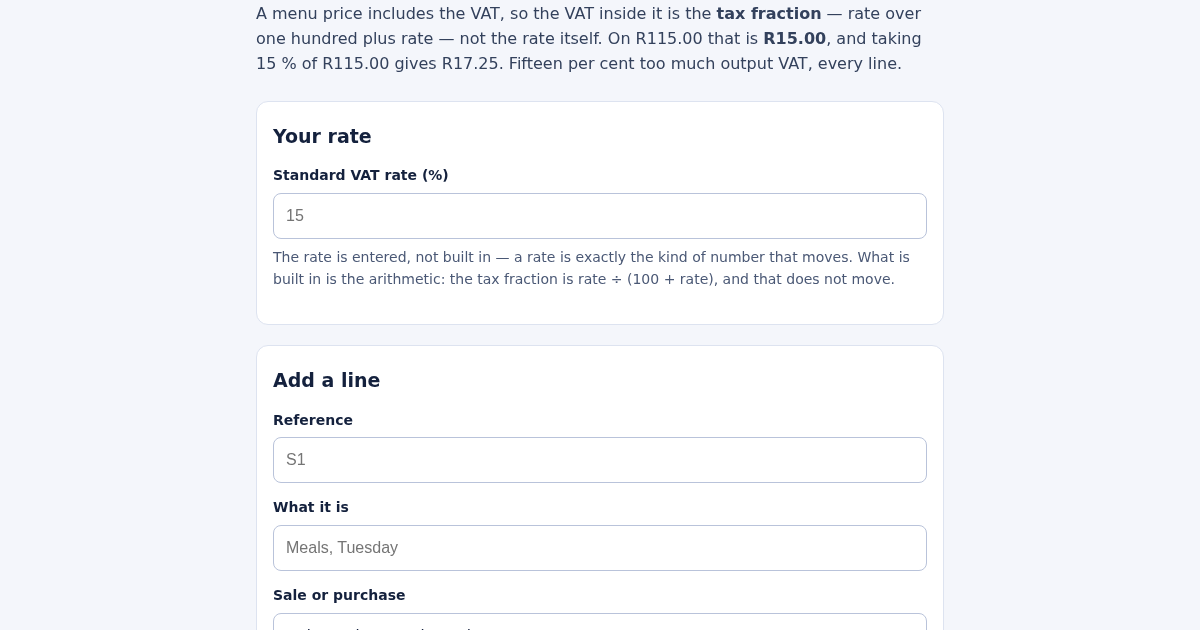
- Extracts the VAT that's already inside a menu price using the correct tax fraction, not the VAT rate itself, so you don't over-report VAT you never actually collected.
Screenshot
Technical details
How to set up & use
- Buy the license — your key (lic_...) appears on the order page and in your email.
- Sign in at app.synoriaai.com with your license key.
- No installation — the product runs in your browser, on your own isolated instance.
- 1. Open the page and enter the VAT rate (e.g., 15) in the rate field.
- 2. Add a sale line: give it a reference (e.g., S1), a description, choose 'sale', enter the total price including VAT (e.g., 115.00), and select 'no' for zero-rated.
- 3. Add a purchase line: give it a reference (e.g., P1), a description, choose 'purchase', and enter the amount (e.g., 100.00).
- 4. The page shows the VAT fraction (e.g., 15/115) and calculates the VAT inside each line, plus any over-claim if zero-rated items are included.
- 5. Review the output and input VAT separately—the difference is your net position.
Frequently asked questions
How does the page handle VAT on a price that already includes tax?
It uses the tax fraction (rate divided by 100 plus rate), so on 115.00 at 15%, the VAT is 15.00—not 17.25. The fraction is printed so you can verify the math.
What happens if I buy zero-rated goods?
Zero-rated purchases have no input VAT to claim. The page shows how much you would have over-claimed if you treated the whole basket as taxable, so you can avoid that mistake.
Is my data safe?
All calculations happen in your browser; no data is sent to a server. The rate is entered by you, and only the arithmetic is built in—nothing is stored externally.
Related products
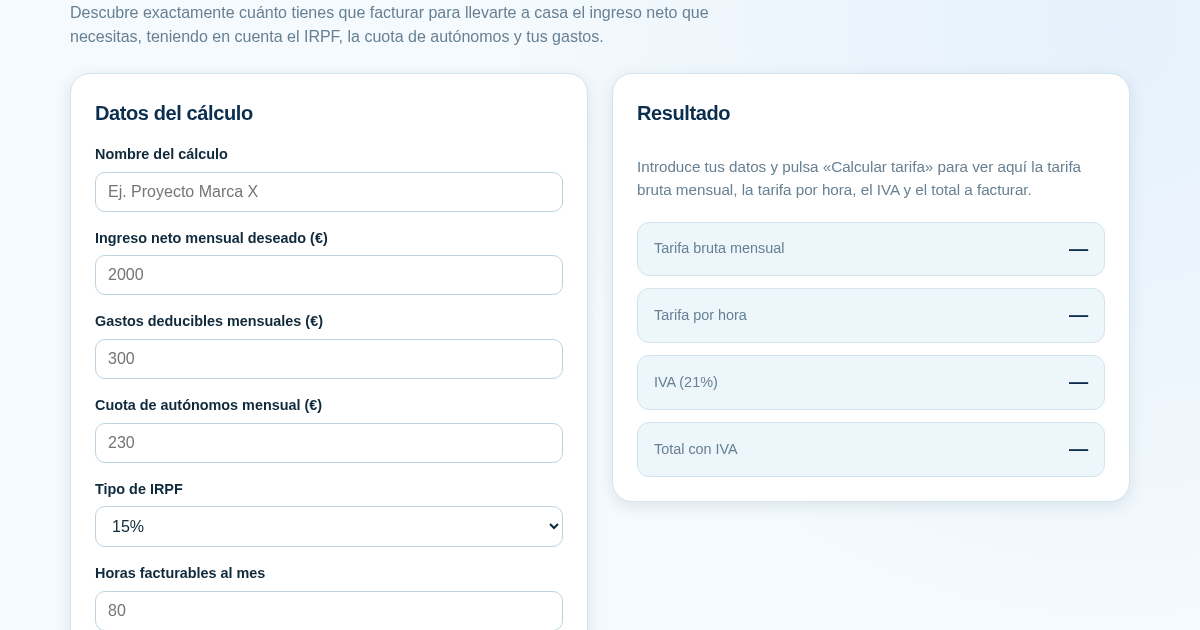
Calculadora de Tarifas para Autónomos
Muchos autónomos fijan sus tarifas sin saber cuánto necesitan facturar realmente para alcanzar el ingreso neto que quieren. Esta calculadora parte del neto mensual deseado y calcula la facturación bruta necesaria…
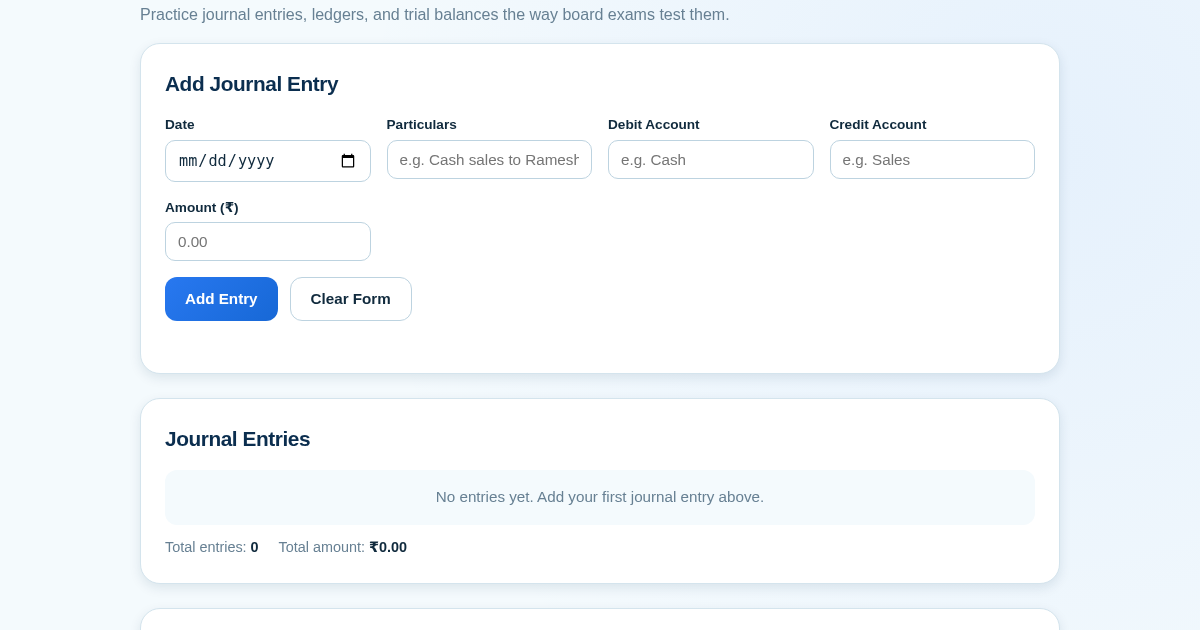
Ledger & Trial Balance Practice Tool
Commerce students in Class 10-12 need to practice journal entries and see how they flow into ledgers, trial balances, and balance sheets for board exams. This tool lets them enter transactions and instantly see the…
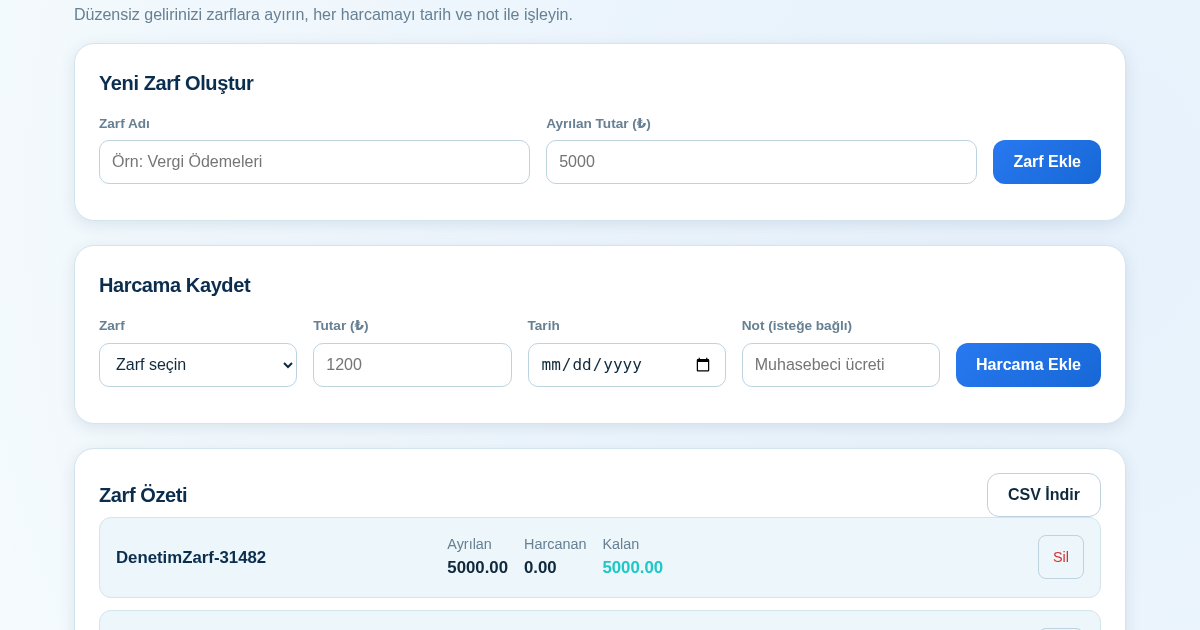
KASA - Serbest Çalışanlar İçin Zarf Bütçesi
Serbest çalışanlar düzensiz gelirlerini vergi, kira ve yaşam giderleri gibi zarflara bölerek bütçelerini düzenli tutabilir. Her harcamayı tarih ve not ile ilgili zarfa işleyerek ne kadar ayırdığını ve ne kadar…
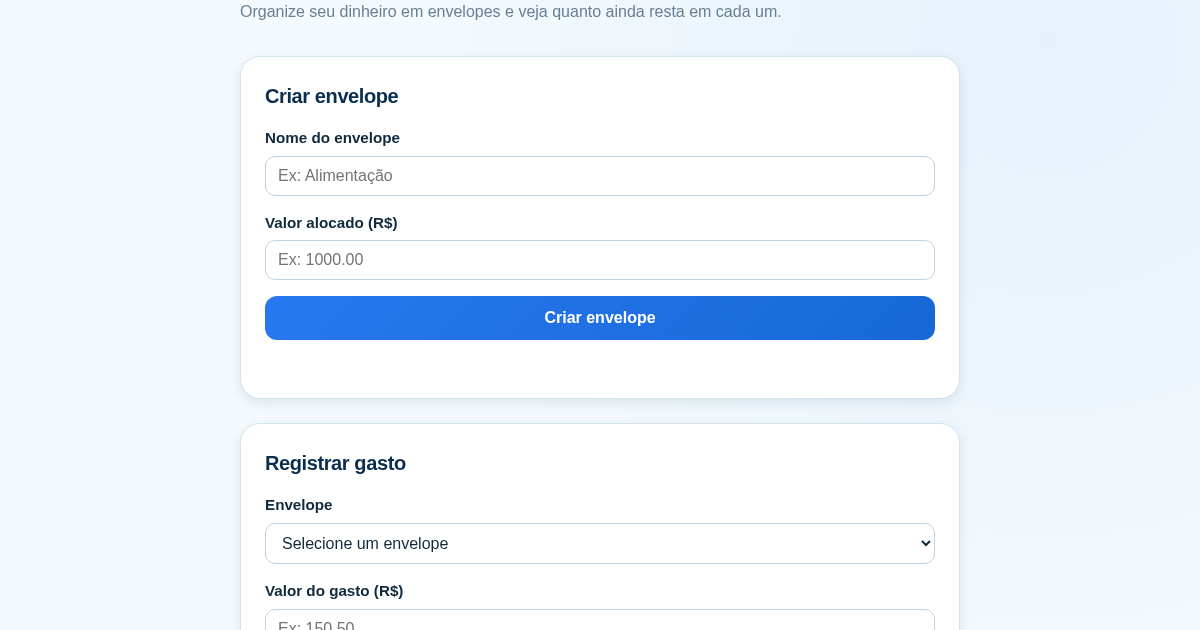
Calculadora de Orçamento por Envelopes (Pix)
Este aplicativo ajuda brasileiros a organizar seu dinheiro em envelopes de orçamento, como alimentação, transporte e lazer, sem precisar conectar uma conta bancária. Ele resolve o problema de controlar gastos do dia a…